

How to secure your mobile from hackers is a very important question today, because almost everyone uses a smartphone every day. Your mobile phone stores your photos, messages, passwords, and even your money apps. So, if a hacker gets access to your phone, your private life can be at risk. Therefore, it is very important to learn simple ways to keep your mobile safe.
Why You Must Learn How to Secure Your Mobile from Hackers
First of all, mobile phones are like small computers, so they can be attacked just like computers. Hackers try to steal your data, track your activity, or even control your phone without you knowing. Therefore, if your phone is not protected, your personal information can be misused very easily.
In addition, many people think hackers only target rich or famous people, but that is not true. In fact, hackers often target normal users because they are easier to trick. For example, they may send fake messages or apps to steal your data.
Because of this, learning how to secure your mobile from hackers helps you stay safe online. Also, it gives you peace of mind, since you know your data is protected.
Use Strong Passwords to Secure Your Mobile from Hackers
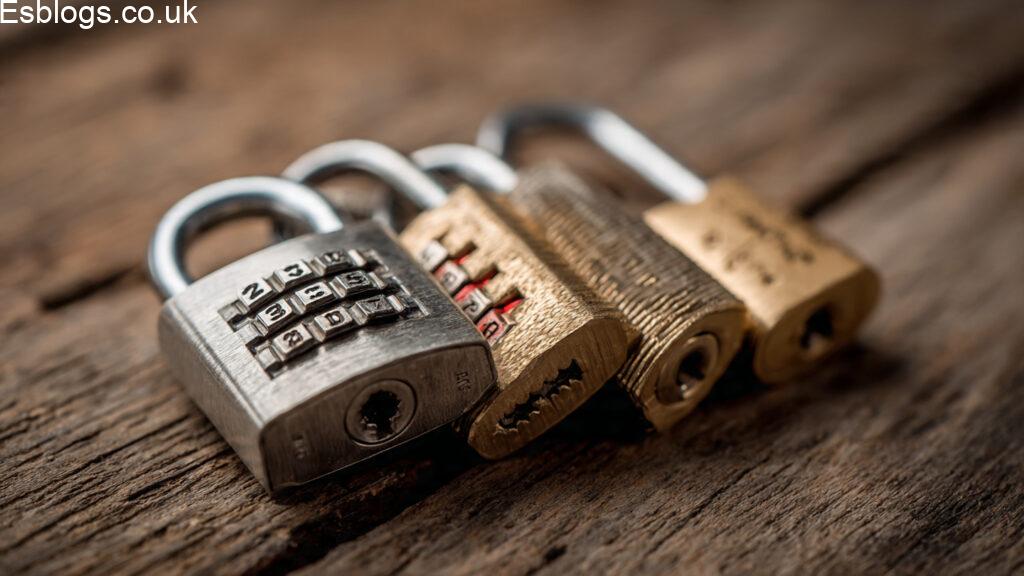
One of the easiest ways to protect your phone is by using a strong password. Instead of using simple passwords like “1234” or “password”, you should create a password that is hard to guess.
For example, a strong password should include letters, numbers, and symbols. Also, it should not include your name or birthday because hackers can guess those easily. Therefore, always choose a unique password that only you know.
Moreover, you should never share your password with anyone. Even if someone asks politely, it is safer to keep it private. In addition, changing your password regularly can make your phone even more secure.
Keep Your Mobile Updated for Better Security
Another important step in learning how to secure your mobile from hackers is keeping your phone updated. Mobile companies often release updates to fix security problems.
If you ignore these updates, your phone may stay weak and open to attacks. Therefore, always install updates as soon as they are available.
Also, updates improve your phone’s performance, so your device works better and safer at the same time. As a result, you should turn on automatic updates to make things easier.
Avoid Downloading Apps from Unknown Sources
When you download apps, you must be careful. Some apps look safe but actually contain harmful software. Therefore, you should only download apps from trusted app stores.
For example, official app stores check apps before making them available. However, unknown websites may offer fake apps that can steal your data.
In addition, always read app reviews before downloading. If an app has many bad reviews, it is better to avoid it.
Be Careful with Public Wi-Fi Connections
Public Wi-Fi is useful, but it can also be dangerous. Hackers often use public networks to spy on users. Therefore, you should avoid using public Wi-Fi for important tasks like banking or shopping.
If you must use public Wi-Fi, you should avoid entering passwords or personal details. Also, turning off automatic Wi-Fi connection can help keep your phone safe.
As a result, using your mobile data is often safer than using public Wi-Fi.
Use Screen Lock to Secure Your Mobile from Hackers
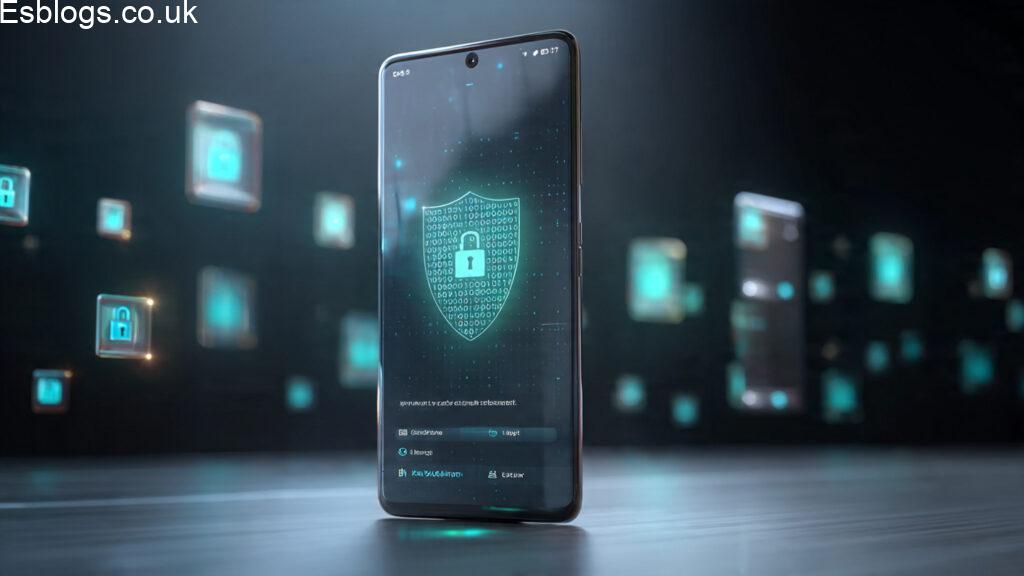
A screen lock is a simple but powerful way to protect your phone. If someone picks up your phone, they cannot access it without the password or pattern.
You can use different types of locks, such as PIN, pattern, fingerprint, or face unlock. Among these, fingerprint and face unlock are fast and secure.
In addition, you should set your phone to lock automatically after a short time. This way, even if you forget to lock it, your phone will protect itself.
Do Not Click on Suspicious Links
Hackers often send fake links through messages or emails. These links may look real, but they can steal your information. Therefore, you should never click on links from unknown sources.
For example, if you receive a message saying you won a prize, it is likely fake. Instead of clicking the link, you should ignore or delete the message.
Also, always check the sender before opening any link. If something feels strange, it is better to stay safe and avoid it.
Install Antivirus or Security Apps
Security apps can help protect your phone from harmful software. These apps scan your phone and warn you about risks.
Although not all phones need antivirus apps, they can still add extra protection. Therefore, installing a trusted security app can be a smart choice.
In addition, these apps can block unsafe websites and protect your personal data. As a result, your phone becomes more secure.
Turn Off Bluetooth When Not in Use
Bluetooth is useful, but it can also be risky if left on all the time. Hackers can try to connect to your phone through Bluetooth.
Therefore, you should turn off Bluetooth when you are not using it. This simple step can reduce the chances of unwanted access.
Also, avoid connecting to unknown devices. Only connect to devices you trust, such as your own headphones or speakers.
Backup Your Data Regularly
Backing up your data is very important. If your phone gets hacked or damaged, you will not lose your important files.
You can backup your data using cloud services or external storage. For example, photos, contacts, and documents can be saved safely.
In addition, regular backups give you peace of mind. Even if something goes wrong, your data will still be safe.
Do Not Share Personal Information Easily
Another key step in learning how to secure your mobile from hackers is protecting your personal information. Hackers often try to trick people into sharing details.
For example, they may pretend to be a company or a friend. However, you should never share passwords, bank details, or private information with anyone online.
Also, be careful on social media. Sharing too much information can make it easier for hackers to target you.
Enable Two-Factor Authentication
Two-factor authentication adds an extra layer of security. Even if someone knows your password, they still need another code to access your account.
This code is usually sent to your phone or email. Therefore, enabling this feature can greatly improve your security.
In addition, many apps and services offer this option. So, you should turn it on wherever possible.
Log Out from Apps When Not in Use
Many people stay logged in to apps all the time. However, this can be risky if someone gets access to your phone.
Therefore, logging out from important apps like banking or email can help keep your data safe.
Also, clearing your app sessions regularly can reduce security risks. As a result, your accounts remain protected.
Conclusion
Learning how to secure your mobile from hackers is not difficult, but it is very important. By following simple steps like using strong passwords, avoiding unknown apps, and keeping your phone updated, you can protect your device easily.
Moreover, safe habits like not clicking suspicious links and avoiding public Wi-Fi can make a big difference. In addition, using features like screen lock and two-factor authentication adds extra security.
In the end, your mobile phone is a valuable part of your life, so it must be protected carefully. Therefore, by applying these easy tips, you can stay safe and enjoy using your phone without worry.
FAQs
1. What is the first step in how to secure your mobile from hackers?
First of all, the most important step is to set a strong password or screen lock on your phone. This way, even if someone gets your phone, they cannot open it easily.
2. Can hackers really access my mobile without me knowing?
Yes, in some cases, hackers can access your phone silently through harmful apps or links. Therefore, you should always be careful about what you download or click.
3. How often should I update my phone for security?
You should update your phone whenever a new update is available. Updates fix security problems, so they help keep your phone safe from hackers.
4. Is public Wi-Fi safe for mobile users?
Public Wi-Fi is not always safe because hackers can use it to steal data. Therefore, it is better to avoid using it for important tasks like banking.
5. Do I need antivirus software on my mobile?
Not always, but it can help add extra protection. If you install apps often, then a trusted security app can be useful.
6. Why should I avoid unknown apps?
Unknown apps may contain harmful software that can steal your data. So, it is safer to download apps only from trusted stores.
7. What is two-factor authentication and why is it useful?
Two-factor authentication adds an extra step to login. Even if someone knows your password, they still cannot access your account without the second code.
8. How can I tell if a link is unsafe?
If a link looks strange, offers fake rewards, or comes from an unknown sender, then it is likely unsafe. Therefore, you should avoid clicking it.
9. Is Bluetooth a risk for mobile security?
Yes, if it is always on, hackers may try to connect to your phone. So, you should turn it off when not needed.
10. What should I do if I think my phone is hacked?
You should change your passwords immediately, remove unknown apps, and reset your phone if needed. Also, it is better to contact a security expert for help.
Read more articles:
Simple Daily Habits to Improve Life: Easy Ways to Feel Better Every Day How to Lose Weight Naturally
Cheap Travel Destinations in Asia: Best Budget-Friendly Places to Explore

